Know the next shot.
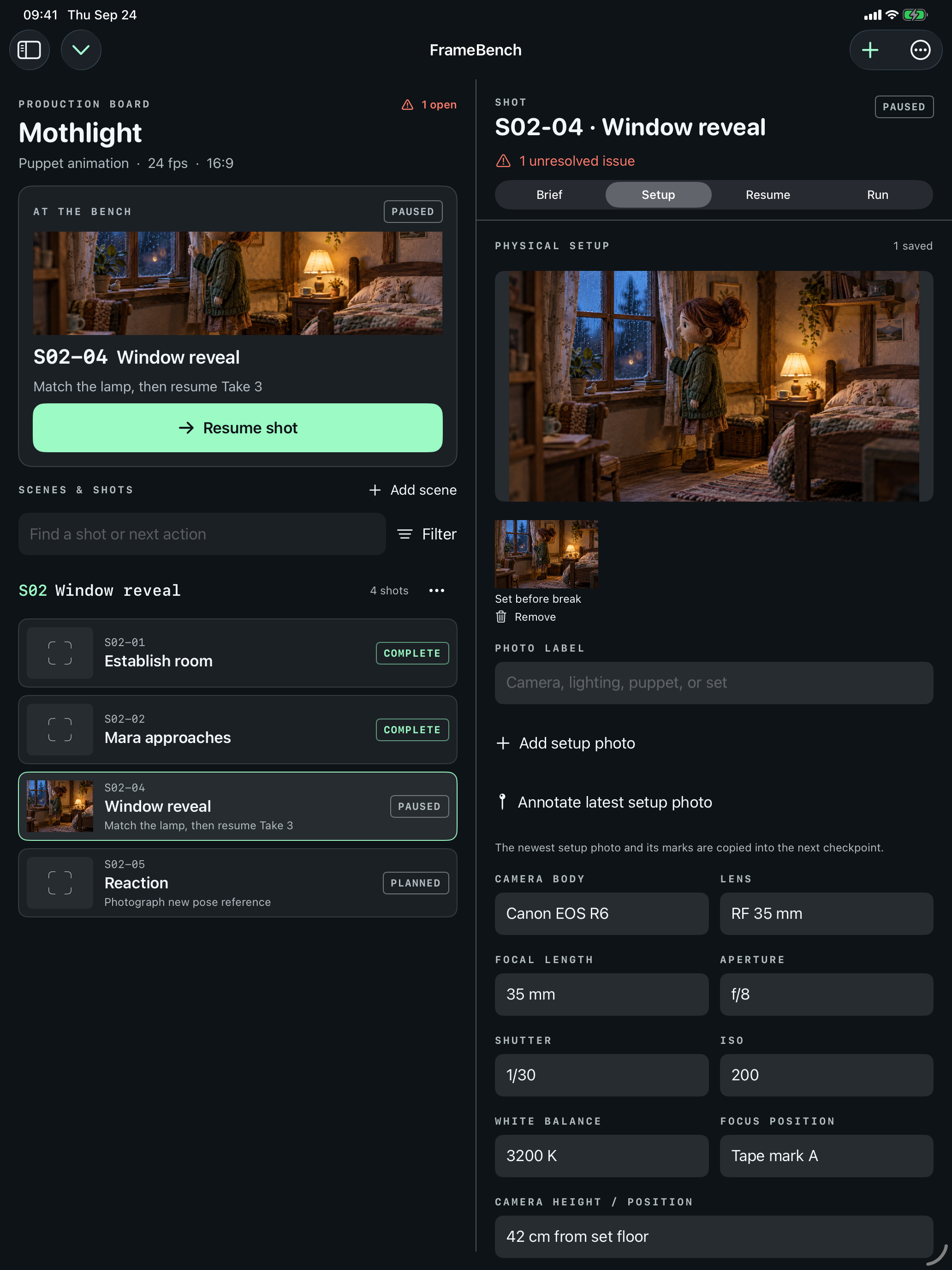
Structure productions into scenes and shots. Keep the action beat, framing, movement, target frames and next action close to the work.
THE STOP-MOTION PRODUCTION BINDER
The setup you made today should still make sense tomorrow. FrameBench keeps shots, physical continuity, checkpoints and shoot-day notes in one deliberate workspace.
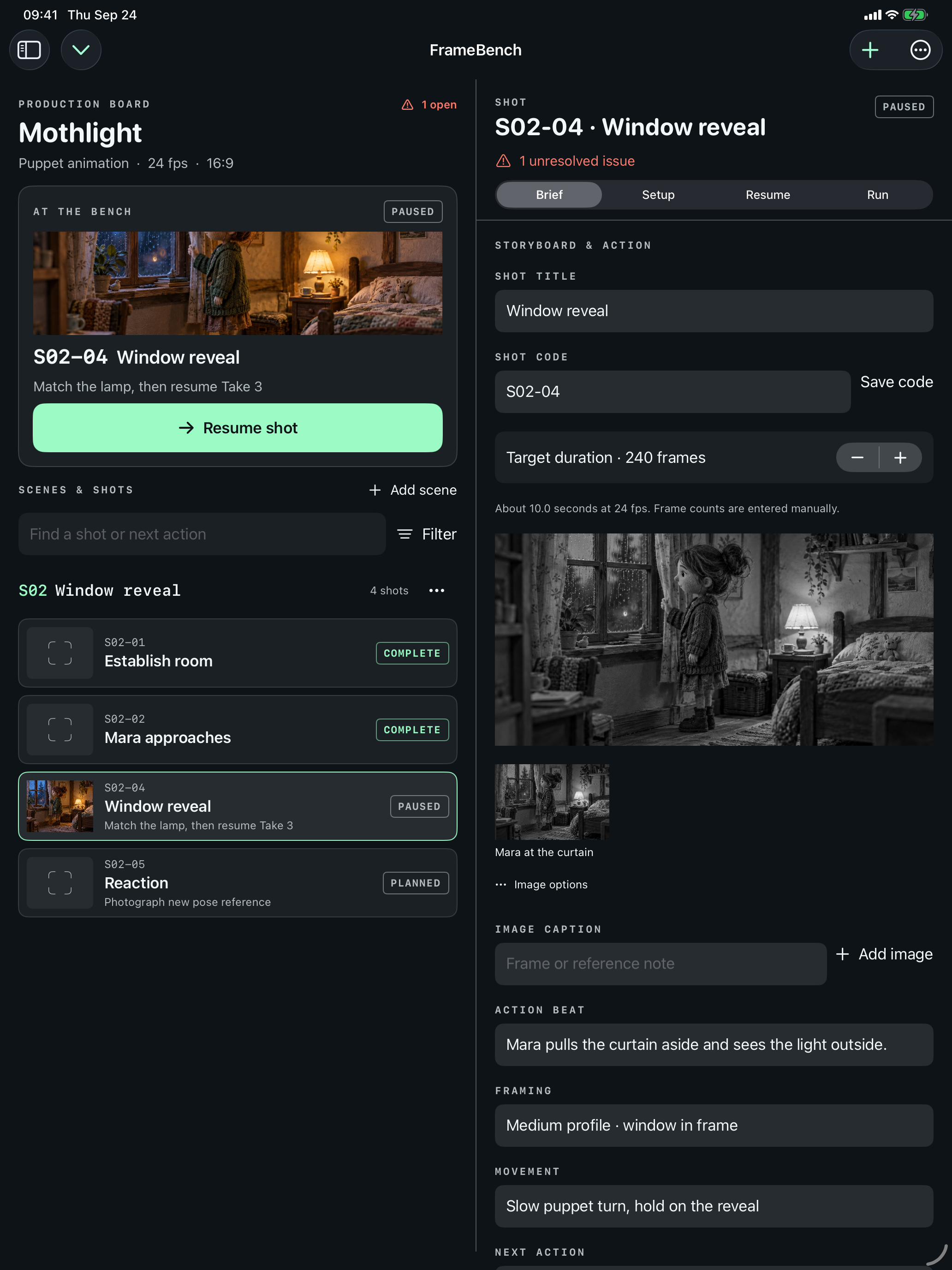
THE WORK BETWEEN FRAMES
Stop-motion continuity is physical. A moved light, a changed pose, or a missing prop can undo a careful shot. FrameBench is built around the handoff from plan to setup to resume—not a generic task board.
01 / WORKFLOW
Structure productions into scenes and shots. Keep the action beat, framing, movement, target frames and next action close to the work.
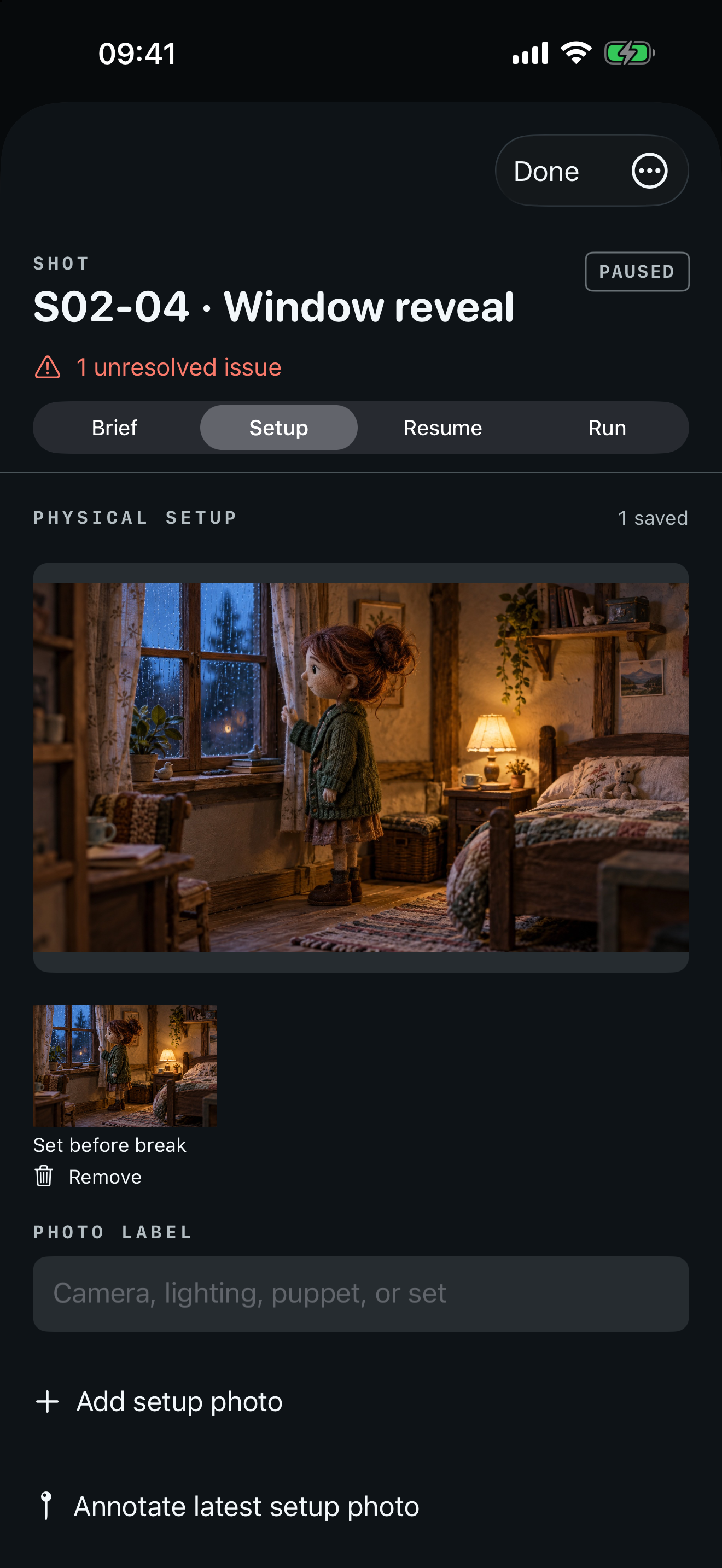
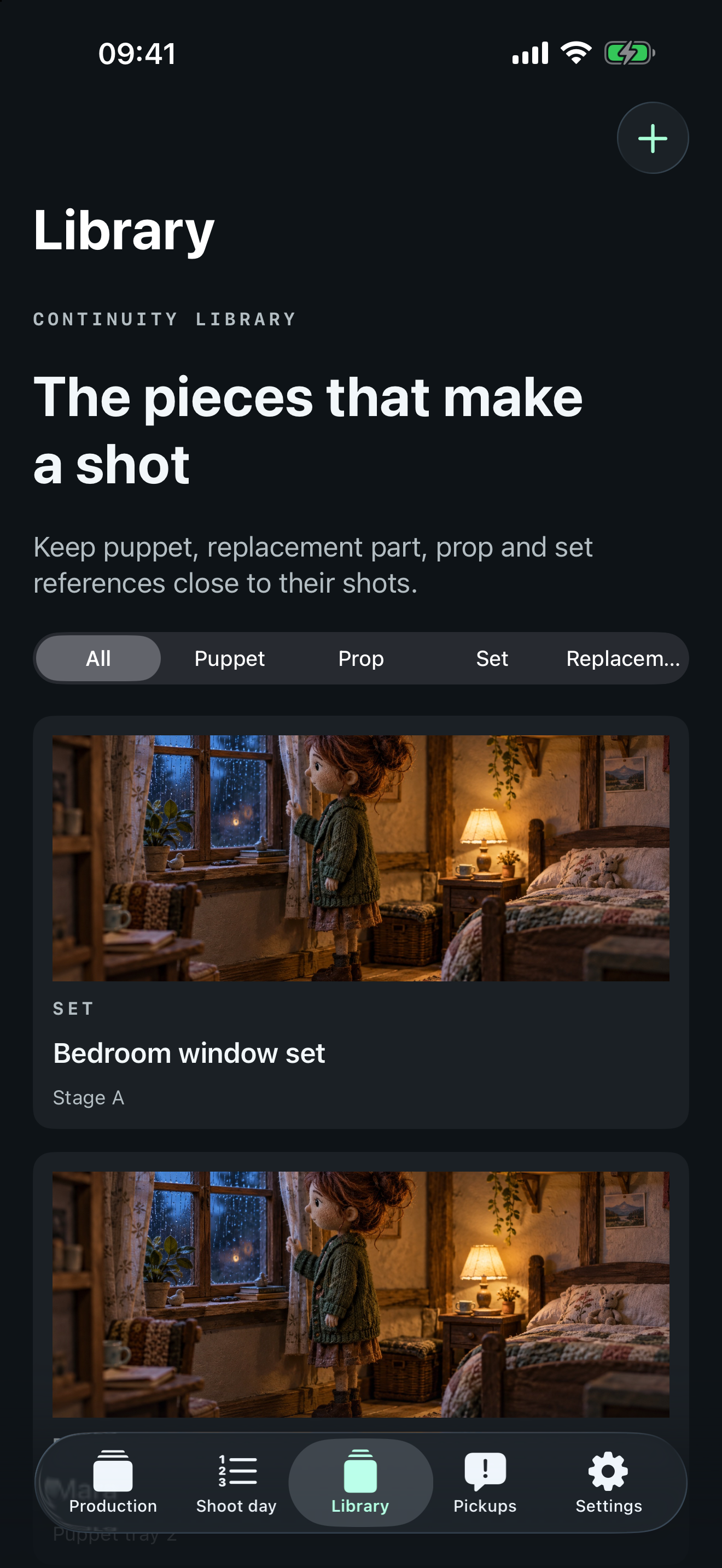
Save camera settings, lighting, marks, puppet and prop state, photos and audio cues as a checkpoint you can actually return to.
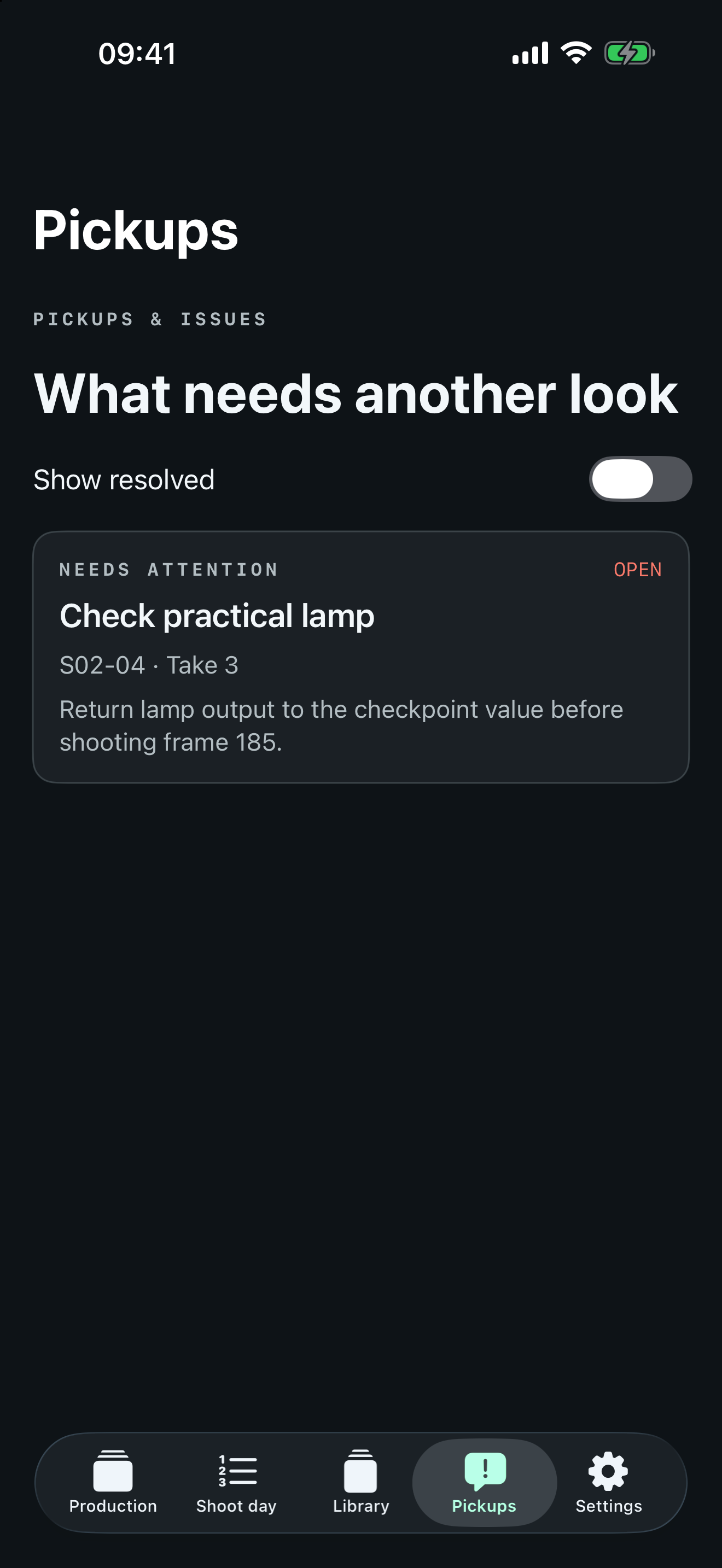
Put the current setup beside its checkpoint, work through differences, and track issues or pickups instead of trusting memory.
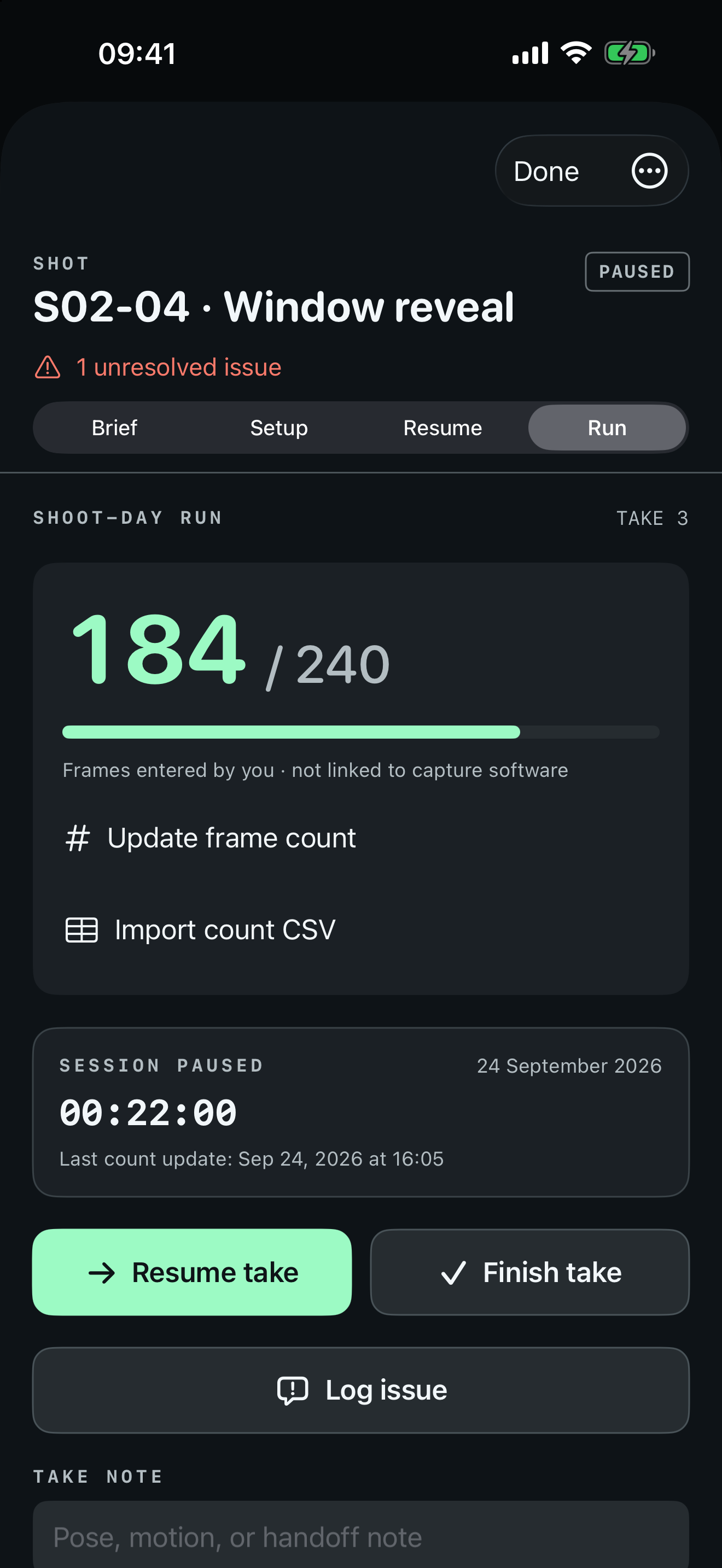
Log takes, manually entered frames, corrections and notes. Export a day report when the team needs a durable handoff.
THE CONTINUITY DESK
Capture an immutable setup checkpoint, then compare it with a current reference. The visual record and resume checklist live beside the shot—not buried in a camera roll.
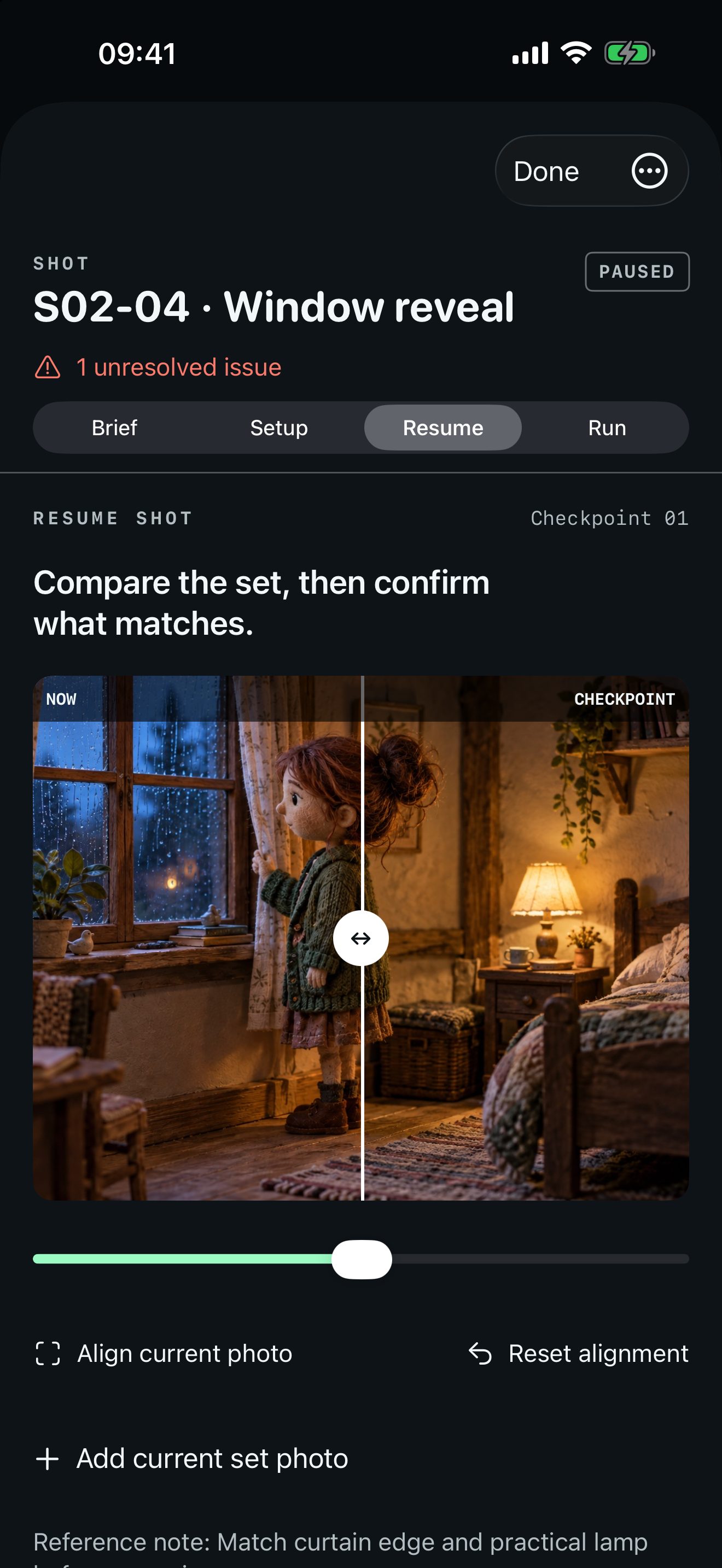
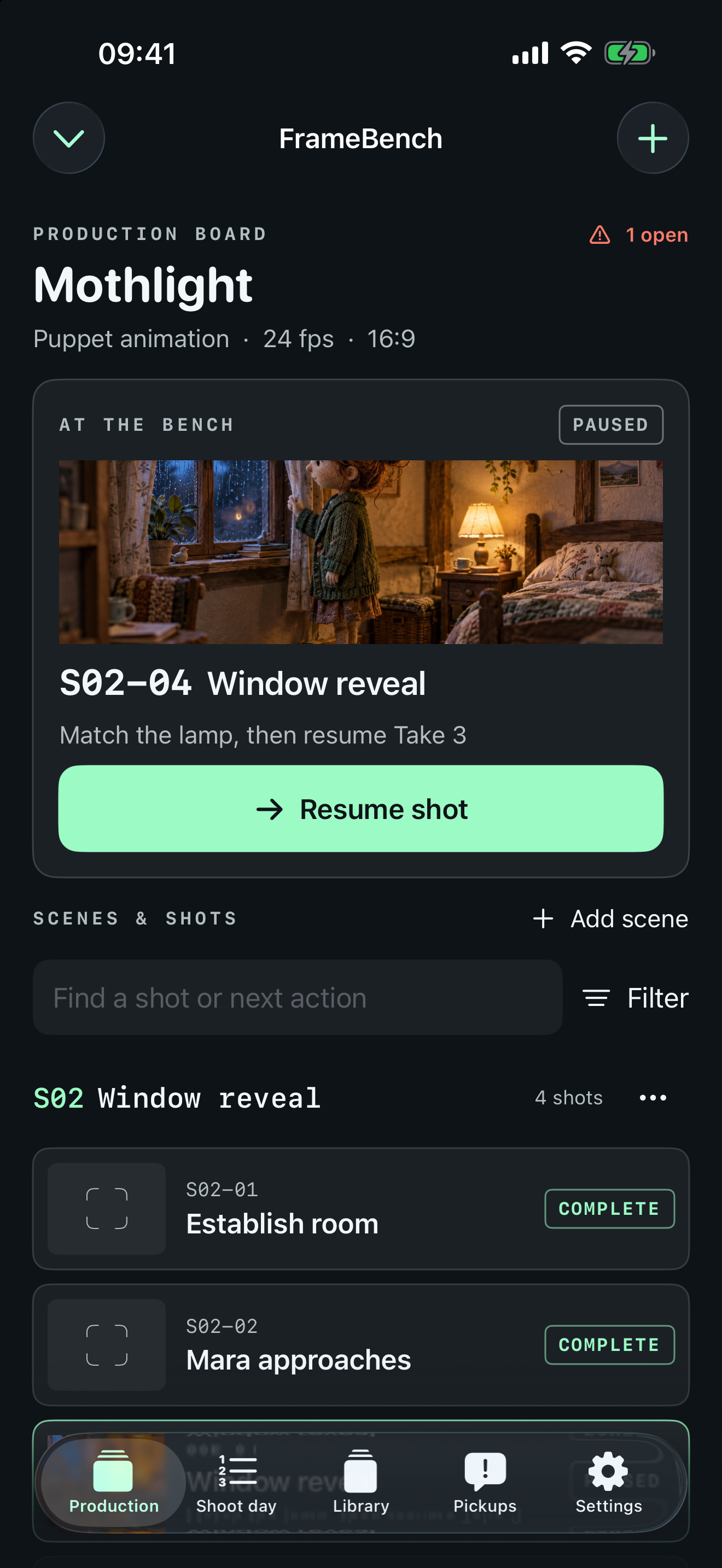
02 / INSIDE THE APP
Native-resolution captures from the running iPhone and iPad app with fictional production data.
A REAL IPAD WORKSPACE
A dedicated two-column layout keeps the production structure and selected work in view together.
03 / MAKE ROOM TO GROW
One production, ten shots, and three checkpoints per shot are free, along with the full resume workflow, PDF preview, and JSON backup and restore.
Price shown in the App Store. Restore purchases inside the app.
CLEAR ABOUT THE TOOLS
Frame counts are manually entered or imported from CSV. FrameBench does not read a camera or capture application, verify image frames, or replace your production backup strategy. Data is stored locally unless you choose to export or share it.